Task 1 - Game Operating Regions
Game
Operating System
|
Explanation
|
Pre-Game
 |
Pre-Game
operating region is the phase before starting a game. In a console Pre-Game phase,
before inserting the game disk the player will be treated to a menu with
icons. For example, I have chosen to detail out the Xbox 360 Pre-Game menu,
the menu will have icons for recent activates, social like online friends, a
search engine only added to modern consoles and other apps. The Xbox 360 will
be active but the game is not. However, on PC’s this phase will be different,
the device will have activated the games app before you start it. For
example, PC Players will be treated to a game menu and customizations the
settings of a game like tweaking the graphical quality of the game so it can
run smoothly on their PC before they click start. Testing Pre-Game issues is
simple for console. For example, a game will not start and an error pops up
on screen, this means the disk is either damaged, cannot run on that console
or the consoles disk reader itself is faulty. Whereas on PC’s if a game
launches but doesn't work like frames-per-second drops or other difficulties,
this is because the PC’s hardware does not meet the minimum requirements for
the game. Although possibly solving this problem means changing a player will
have to change the games file, code or even purchase better hardware.
|
Game
Start
 |
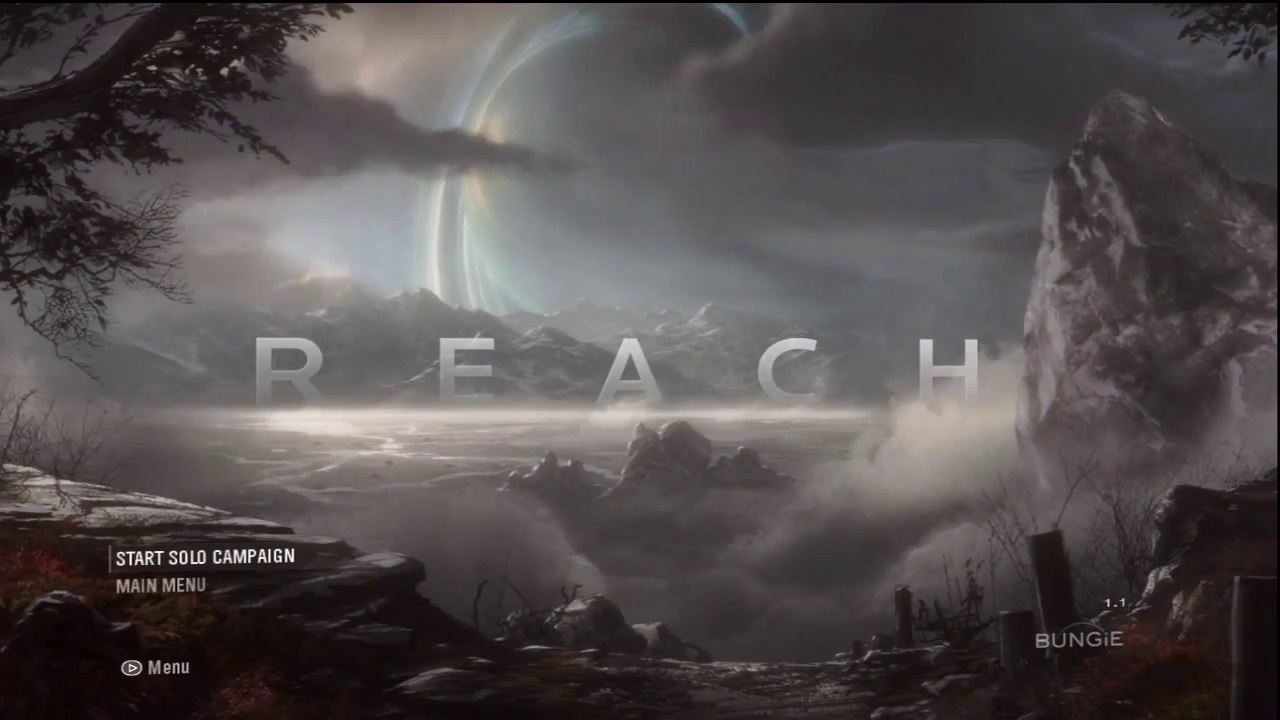
Game-Start
operating region is the next phase. The game has started but has gone through
the process of pre-credits for example, showing the developers and publishers
company names and now the game is in its menu stage. On consoles, the player
can mess around with their own settings in this menu for example, choosing
subtitles before starting the game. Whereas PC users would have already specified
their requirements. Activating a game on consoles requires the player to push
a certain button that will start the game. For example, Xbox 360 players will
be instructed to press “A” or “Start” universally the start button is a triangular
shape, like a play button on a TV remote. PC player will press the “Enter”
key. Testing Game-Start issues revolve around the games software which
will be performing activities that will not be visible to the player. Here
bugs can occur for example, the menu’s text or layout is missing or shifting.
This issue can be resolved by altering the games code if needed.
|
In-Game
 |
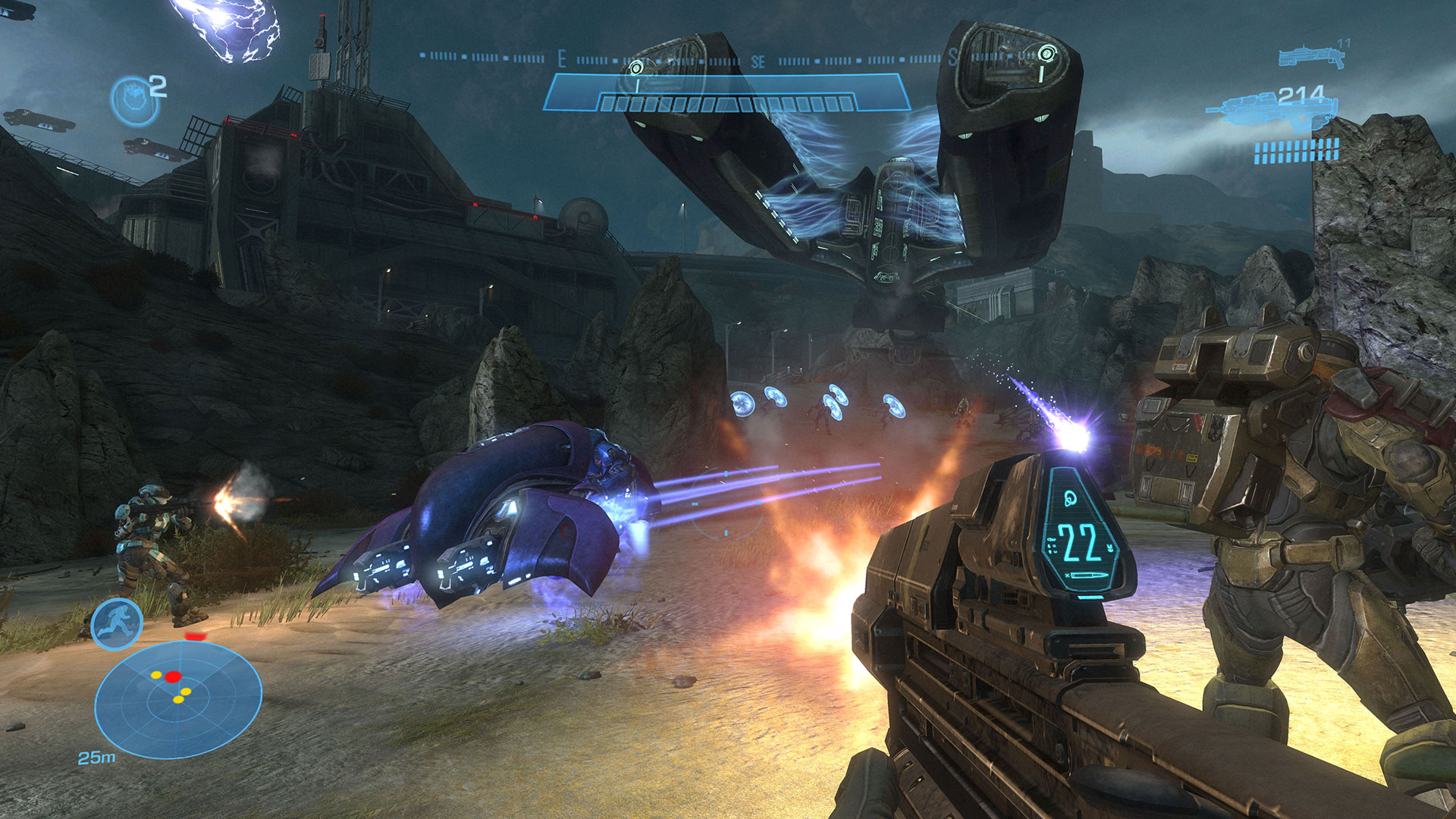
In-Game
operating region is the phase of gameplay. This is when the player carries
out activities in the game for example, moving, fighting and interacting with
NPC’s which are initiated in the game to perform functions that will react
with the player. Here the player will carry out certain actions like story
missions, side quest that does not relate to the campaign or multiplayer.
Testing In-Game issues is the more active of the others as most bugs come
from this phase for example, NPC’s (which have their own operating region)
not doing as instructed like phasing through walls and getting caught on
objects, areas of the game missing or multiplayer being unfair. Solving these
types of problems require developers to ensure that the game script/code is
correct. Multiplayer problems can stem from players cheating for example, Lag-Switching
this means a player is disrupting their connection to the server so they can
take the advantage in the game because they will either be faster on the
other players screen or their opponents themselves slower in movement. This
can be resolved by banning these types of players from the online part of the
game so multiplayer can be more balanced.
|
Post-Game
 |
Post-Game
operating region is the final phase when a player ends the game. A player can
leave a game in various ways. For example, “Exit without Saving” is the
action the player takes to abort the game quickly. On console, a player can
either eject the disk directly or turn off the power. This results in the
player losing their save history files issues can occur sometimes not by the
game itself, like a faulty Xbox 360 disk drive ejecting the disk or the
notorious “Red Ring of Death”. This nickname represents when the all the
LED lights flash red on the Xbox’s circular power button, this means an Xbox
360 error that requires servicing of the console. Resolving this issue for
the players demands that the developers integrate a feature in the games code
called “Auto-Save” which will save the players progression automatically.
This also decreases any problems that may occur with “Save and Exit” which
takes longer to end the game and eject it. PC players however do not suffer
from this problem as deleted files can be found again in the recycle bin or
found in a backup hard drive.
|
Game Operating
Regions Diagram

Website
sources: www.gamedev.net/
– resources for game developers
www.gamestester.com
– games testing resource
www.gamasutra.com
– game developers’ website (free registration required, a major resource)
www.sloperama.com/advice
– resource for advice on the games industry
www.yoyogames.com/make
– Game Maker software home site with many beta games to download and test


Comments
Post a Comment